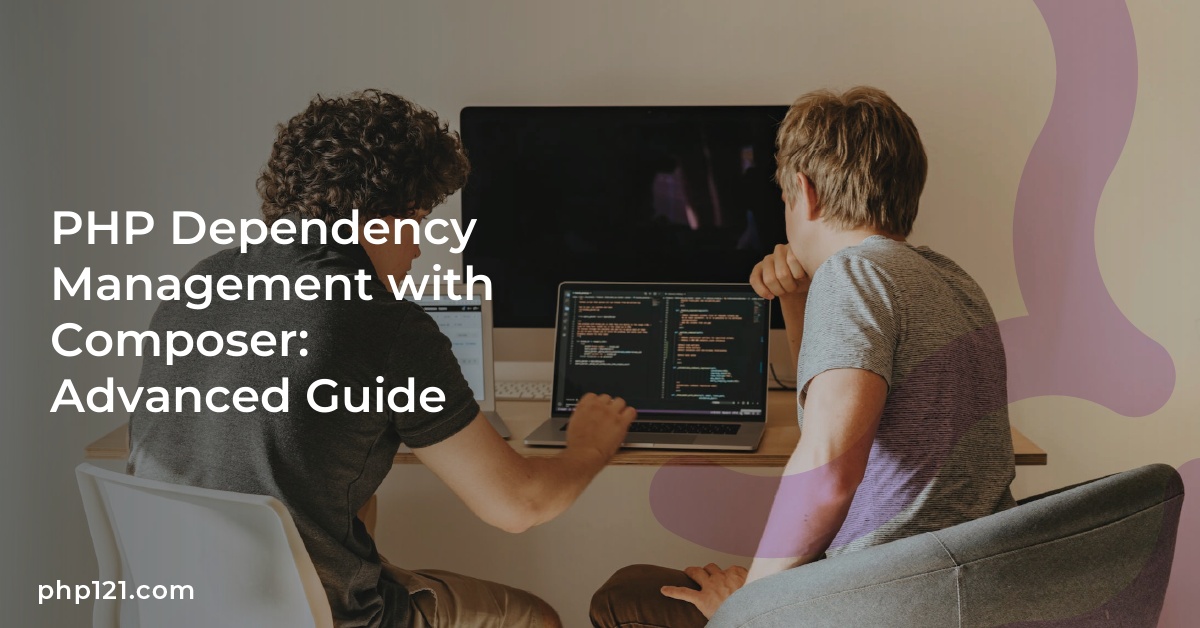
PHP development constantly changes, and managing dependencies well is key. PHP Composer is vital for this. Nils Adermann and Jordi Boggiano created it in 2011. Since then, Composer has changed how PHP dependencies are managed. Developers can specify their project’s libraries in a `composer.json` file. This makes installing, updating, and managing packages easy.
Composer works closely with Packagist, the main place for PHP libraries. This gives you access to thousands of packages that make development easier. This guide will help PHP developers master Composer. It’s great for adjusting PHP versions or managing project settings. With this guide, you will be able to improve how you work and confidently handle dependency issues.
Understanding Composer and Its Role in PHP Development
Composer is key in today’s PHP development, especially for Dependency Management in PHP. This tool makes it simple to manage project dependencies. It ensures all needed packages are installed and updated easily. Thanks to Composer, teams can build applications more smoothly without the hassle of manual dependencies.
What is Composer?
So, what is Composer? It’s a tool for managing dependencies in PHP applications. Devs use a composer.json file to list their project’s needed libraries. This makes it easier to locate, download, and update them. Centralizing dependencies offers advantages such as less overhead and better project organization.
The Importance of Dependency Management
Managing dependencies well is crucial for app stability and security. Composer allows the reuse of stable PHP libraries and automates their management. This lowers the chance of version issues and boosts workflow. Developers can access many packages through Packagist, Composer’s main repository. This simplifies adding libraries with common features.
How Composer Simplifies Dependency Handling
Composer is great at making Dependency Handling simpler in PHP projects. Its autoloading feature cuts down on the need for multiple require statements. Composer also helps keep packages up to date, tackling security risks. It lets devs customize workflows with Composer scripts, for better efficiency before and after installs or updates.
PHP Dependency Management with Composer: Advanced Guide
Defining PHP dependencies and using repositories makes PHP development better. Composer, a top tool, makes this easier. It helps in setting up dependencies in the composer.json file and using the Packagist Repository for PHP libraries.
Defining Dependency in composer.json
Dependencies are listed in the composer.json file with Composer. This is key for managing packages. Developers can spell out needed libraries here. This makes projects clear and organized. When you run composer require, Composer auto-updates composer.json. It creates a composer.lock file too, for reliable installs everywhere.
Using Packagist as a Central Repository
Packagist is the main spot for PHP packages for Composer. It lets users share their packages. With lots of packages, it’s easy to find and update them. This is vital for managing PHP libraries well. It boosts cooperation and makes projects more dependable.
Version Control and Semantic Versioning with Composer
Version control is key for keeping PHP projects stable. Using Semantic Versioning (SemVer) helps developers know about updates and potential issues. This method allows for safe updates and keeps apps working together.
The Significance of Semantic Versioning
Semantic Versioning is vital for managing packages. It uses a MAJOR.MINOR.PATCH format to show change extent. This makes updates easier and lessens version conflict risks in PHP projects.
How to Effectively Manage Version Conflicts
Handling version conflicts is important in PHP Version Control. Conflicts happen when dependencies need different library versions, causing installation problems. By clearly setting dependencies in the composer.json file, conflict chances decrease. Choosing between hard or optional dependencies clarifies package needs and compatibility.
Understanding MAJOR, MINOR, and PATCH Updates
Each part of Semantic Versioning has a specific meaning. MAJOR updates change things in big ways, possibly breaking current features. MINOR updates add features without hurting existing functions. PATCH updates fix bugs or make small tweaks without major impacts. Knowing these helps developers make smart choices, keeping project upgrades smooth.
Tips and Best Practices for Using Composer in Your PHP Projects
To make your PHP projects better, using Composer wisely is key. Always update your dependencies to keep your project safe and fast. The composer.lock file helps ensure everyone has the same setup, preventing issues.
Using autoloading makes your code run smoother. This means your projects can be developed more efficiently.
When dealing with composer.json, choosing the right version constraints is important. This avoids issues when different libraries are needed. Always check if packages work well together before updating. Doing this ensures a stronger application.
Thoughtful version management is critical for managing dependencies well. This means your project can run smoothly without conflicts.
Finally, organizing Composer scripts and using plugins can greatly improve your PHP projects. This makes tasks like updates easier and lets you tailor functionality to your project’s needs. Adopting these practices makes development smoother and leads to better projects.

Ryan Goose, a seasoned PHP developer and tech enthusiast, brings a wealth of knowledge in web technologies. With a passion for coding and a knack for simplifying complex concepts, Ryan’s articles are a treasure trove for both budding and experienced PHP developers.